Search Result Page Type example
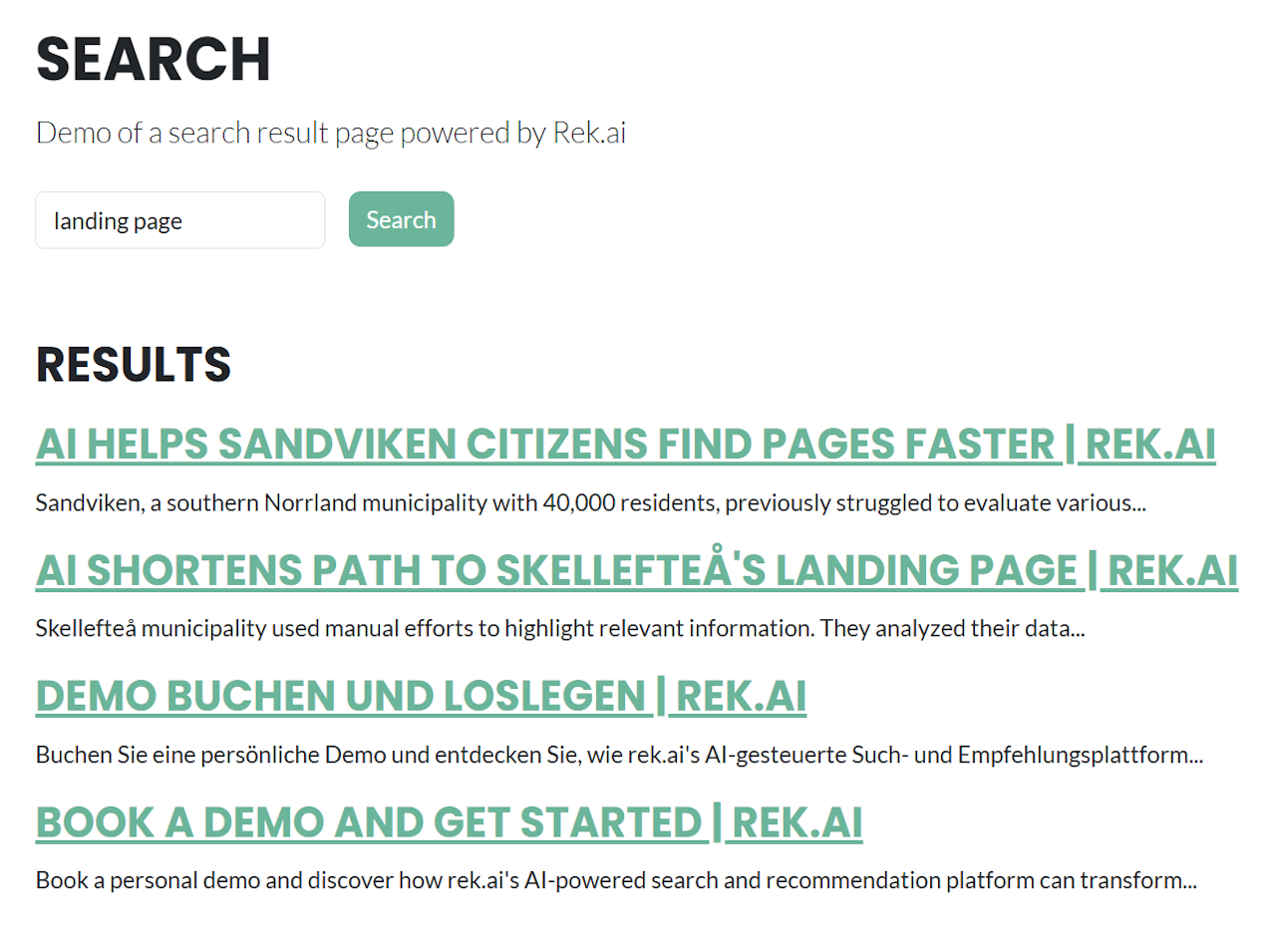
Page type
Add a RekSearchPage page type:
[SiteContentType(
    GUID = "FC018AB6-750B-4B58-800B-1FD26880B8F6",
    GroupName = Globals.GroupNames.Rek,
    DisplayName = "Rek.ai Search Page",
    Description = "A search form and corresponding search results with paging.")]
[SiteImageUrl("/gfx/page-type-thumbnail-rek-search-page.png")]
public class RekSearchPage : SitePageData
{
    [Display(
        Name = "Headertext",
        Description = "A heading that is printed above the search results.",
        GroupName = Globals.GroupNames.Content,
        Order = 1000)]
    [CultureSpecific]
    public virtual string Headertext { get; set; }

    [Display(
        Name = "\"Show more\"-button label text",
        Description = "Sets the text of the button that shows more hits.",
        GroupName = Globals.GroupNames.Content,
        Order = 1001)]
    [CultureSpecific]
    public virtual string ShowMoreButtonLabel { get; set; }
}
View
Add a RekSearchPage folder below Views/ with an Index.cshtml file:
@inherits Views.AlloyPageBase<PageViewModel<RekSearchPage>>

@{
    Layout = "~/Views/Shared/Layouts/_TwoPlusOne.cshtml";
}

<div class="content">
    <h1 epi-property="@Model.CurrentPage.PageName">@Model.CurrentPage.PageName</h1>
    <p class="lead" epi-property="@Model.CurrentPage.MetaDescription">@Model.CurrentPage.MetaDescription</p>
</div>

<form class="row g-3" action="." method="get">
    <div class="col-auto">
        <label for="query" class="visually-hidden">Search phrase</label>
        <input type="text" name="query" id="query" placeholder="Search..." class="form-control" />
    </div>
    <div class="col-auto">
        <button type="submit" class="btn btn-primary">Search</button>
    </div>
</form>

<div class="row">
    <div class="span8 my-4">
        <div class="rek-prediction"
             data-renderstyle="searchresult"
             data-gettermfromqueryparameter="query"
             data-showmorebutton="true"
             data-showmorebuttonstep="10"
             data-showmorebuttonlabel="@Model.CurrentPage.ShowMoreButtonLabel"
             data-headertext="@Model.CurrentPage.Headertext"></div>
    </div>
</div>

@* Mimic Alloy/Bootstrap buttons + a margin fix *@
<style>
    .rekai__load-more-btn {
        background: #1cb898;
        border: none;
        border-radius: 0.5rem;
        color: #fff;
        padding: 0.375rem 0.75rem;
    }

    .rekai-searchresult-header-wrapper {
        margin-top: 2rem;
        margin-bottom: 1rem;
    }
</style>