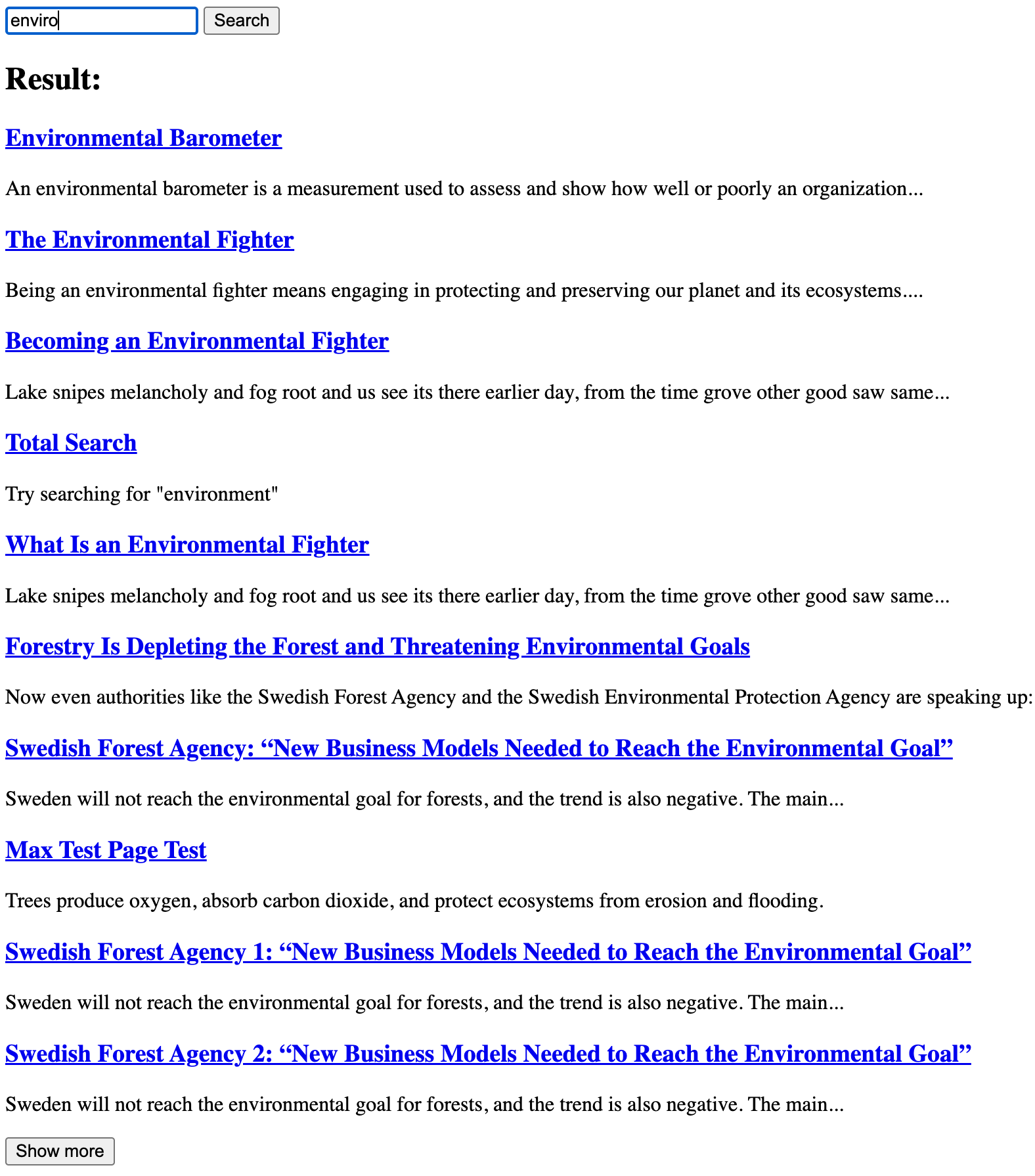
Search Result Page
A complete search result page can easily be created by adding a render style and by specifying the search parameter name.
<form action="" method="GET">
  <input type="text" name="query" placeholder="Search..." />
  <button type="submit">Search</button>
</form>

<div class="rek-prediction"
  data-renderstyle="searchresult"
  data-gettermfromqueryparameter="query"
>
</div>
The "Load more" button
By default 10 search results are shown and the rest are hidden, but 10 more results can be shown by clicking the "Show more" button.
To custimize the button use:
<div class="rek-prediction"
  data-renderstyle="searchresult"
  data-gettermfromqueryparameter="query"
  data-showmorebutton="true"
  data-showmorebuttonstep="10"
  data-showmorebuttonlabel="More hits"
>
</div>
Customizing the search result page
In frontend Rek.ai will add data-parameters to create the search result page, these parameters can be overridden by adding them to the div.
  <div class="rek-prediction"
    id="searchresult"
    data-selector="#searchresult"
    data-headertext="Result:"
    data-headerheadinglevel="2"
    data-nrofhits="100"
    data-renderstyle="advanced"
    data-cols="1"
    data-headerheadinglevel="2"
    data-showimage="false"
    data-titleheadinglevel="3"
    data-titlemaxlength="100"
    data-showingress="true"
    data-ingressmaxlength="100"
    data-totalsearch="true"
    data-gettermfromqueryparameter="query"
    data-showmorebutton="true"
  >
  </div>
Visual example of a bare bone search result page